Manual › Personal & Scratchpad
For everyonePersonal & Scratchpad 📝
Some thoughts aren't ready to be real tasks yet — they're just stuff rattling around in your head. The Scratchpad is where you dump them fast, and the Personal page is where the ones worth keeping go to live. Together they're your private corner of Mochii: only you can see it.
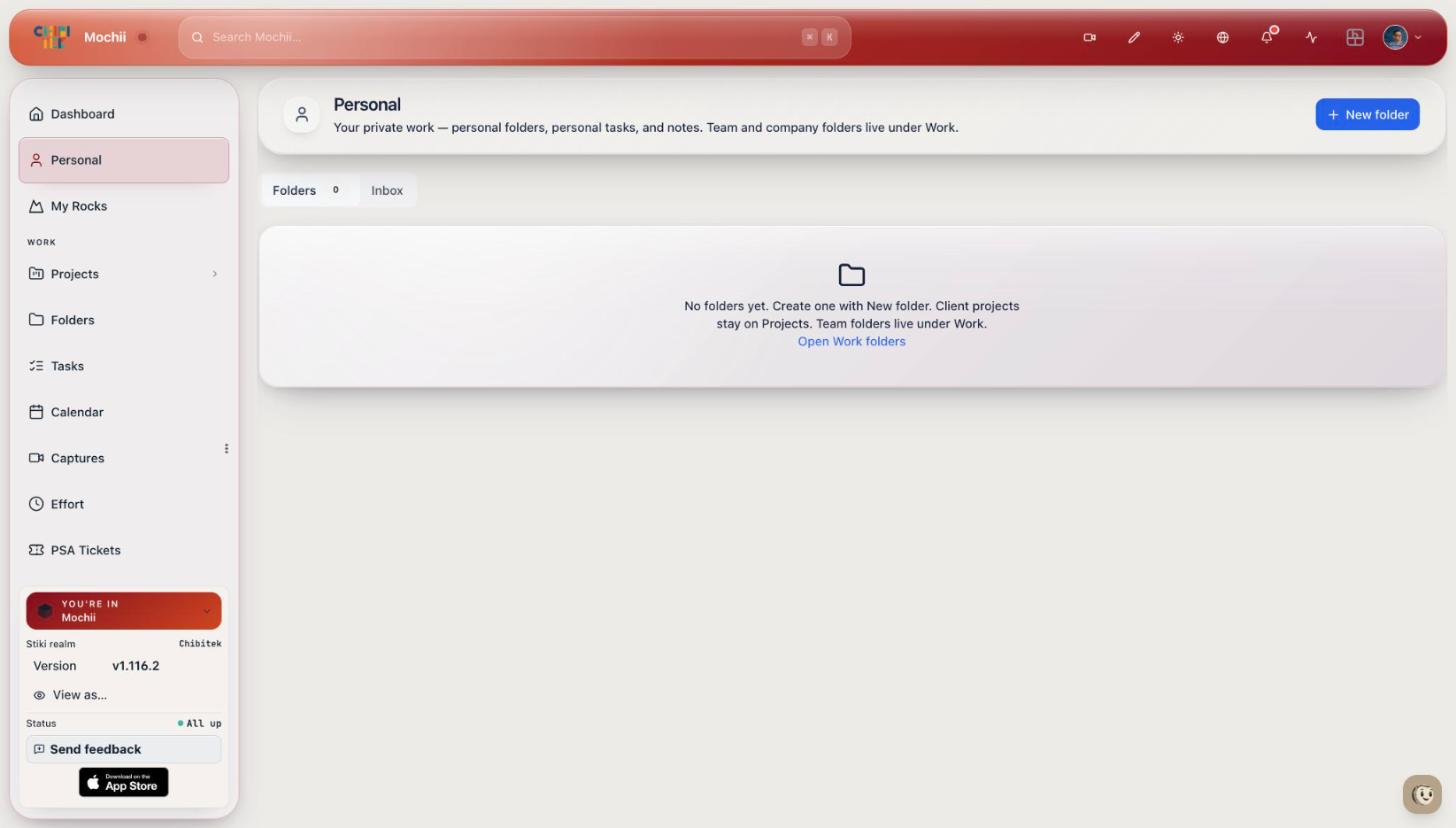
Your personal space, with the Scratchpad.
The Scratchpad: a notepad that thinks
The Scratchpad lives as a little widget on your Dashboard, styled to look like a small sheet of lined paper. Each line is a bullet you can type on. Press Enter to start a new line, just like a real notepad. It quietly auto-saves as you go, so you can close the tab and your notes will still be there next time.
Jot down whatever's on your mind in plain language, one thought per line:
- Lunch with Sam at noon Friday
- Call the vendor back about the firewall quote
- Renew the SSL cert before it expires
Think of the Scratchpad as the sticky note on your monitor — the place for the thought you'll lose if you don't write it down right now. It's not your real to-do list. It's the inbox before your to-do list, where messy notes wait until you decide what to do with them.
Analyze: turn your scribbles into real tasks
Here's the trick that makes the Scratchpad special. Once you've written a few lines, click the Analyze button at the bottom. Mochii's AI reads what you wrote and pulls out the things that look like tasks or events — figuring out a title, a due date, and a priority from your everyday wording.
Type "Lunch with Sam at noon Friday" and Analyze recognizes it as an event on Friday at noon. Type "renew SSL cert" and it becomes a task. You don't have to fill in any forms.
Each thing it finds shows up below the paper as a little card you can review before you commit. On each card you can:
- Edit the title — click it and type.
- Switch task ↔ event — click the little chip to flip it.
- Set or change the due date, and adjust priority.
When a card looks right, decide where it goes:
Add private
Sends it to your Personal page as a private to-do or event. Only you can see it. This is the default.
Team
Promotes it to a shared team task instead — visible to your org and shown in Company activity. Use this when the thought is really everyone's job, not just yours.
Accept a card and the line it came from gets struck through on the paper, so you can see at a glance what you've already dealt with. Don't want a card? Click the X to dismiss it — it just disappears, no harm done.
No need to wait for the AI. Hover over any line with text and a little + button appears — click it to send that exact line straight to your Personal tasks, no Analyze step required. Handy when you already know it's a to-do.
Analyze is its own step — it never files anything on its own. Nothing leaves the paper until you accept a card or hit the +. And if Analyze comes up empty, Mochii tells you so plainly instead of pretending it found something. You can always add the line by hand.
The Inbox: notes from your other apps
Sometimes a to-do gets captured somewhere else and sent over to Mochii. When that happens, those notes wait at the top of the Scratchpad in a small Inbox band, labeled with where they came from. You triage each one the same way you handle an Analyze card — keep it as a private Personal task, push it to the whole Company as a shared task, or delete it if it's noise.
The Personal page: your private list
Everything you accept as private lands on the Personal page, which you'll find near the top of the left menu. It's your own quiet to-do list, separate from the shared team work. Each row has a checkbox to mark it done, an editable title, a due date you can change inline, and a delete button.
Across the top, tabs let you filter the list:
| Tab | Shows |
|---|---|
| All | Everything that isn't done yet — tasks and events together. |
| Events | Just your dated events (like that Friday lunch). |
| Tasks | Just your to-dos. |
| Done | The stuff you've already checked off. |
You can also add an item right on the page — click Add task to open a small composer where you set the title, pick task or event, choose a due date, and set priority. And if a row was also promoted to your shared list, it carries an "also in Mochii Tasks" badge so you know it lives in two places.
Your Personal page and Scratchpad are yours alone. Teammates can't see them. Only when you choose Team or Company does something become visible to your org. So feel free to use the Scratchpad as a true brain-dump — half-formed thoughts and all.
Personal events are built to sync to Google Calendar, but that connection is still on the way. For now they live on your Personal page. Once it ships, your private events will ride along to your devices the same way your tasks already can — see the Calendar page for how that works today.
Quick recap
- The Scratchpad is a lined-paper widget on your Dashboard for fast, private notes — and it auto-saves.
- Click Analyze and the AI turns your lines into task or event cards you can review, edit, and accept.
- Choose Add private (just you) or Team (shared with your org); accepted lines get struck through.
- Skip the AI by hovering a line and clicking + to file it straight to Personal.
- The Personal page is your private list, with All / Events / Tasks / Done tabs and inline editing.