Manual › Forms
For power usersForms 📝
A Form is a little intake page you can hand to anyone — a client, a coworker, the whole company. When someone fills it out, Mochii turns the submission into a task in the project you choose. No more requests lost in email; they land as real work, ready to assign.
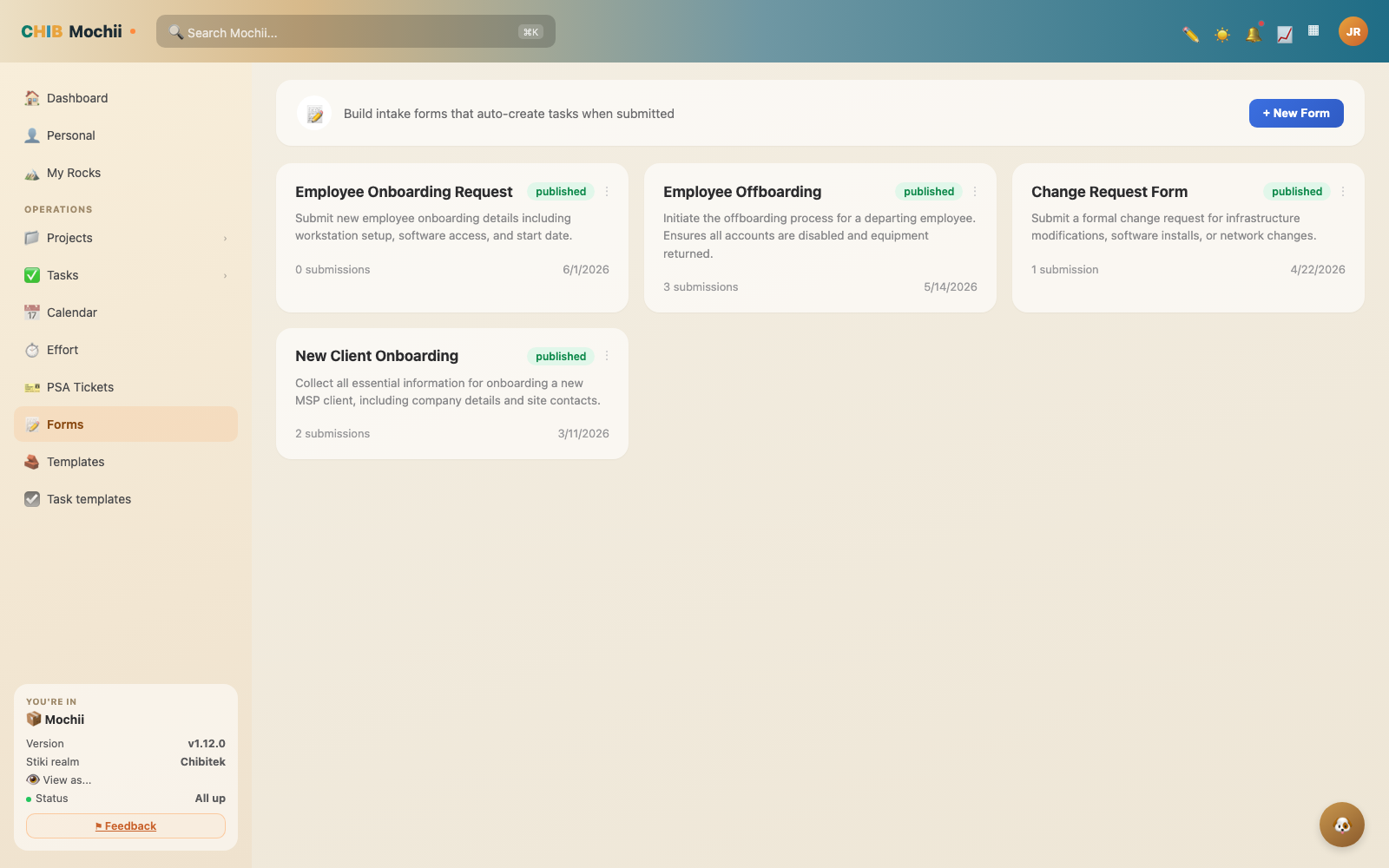
The Forms builder.
What forms are for
Anywhere you currently say "just email me the details," a form is better. A few classic uses:
- Client requests — "Submit a support request" or "Request a quote."
- IT / help tickets — let staff report an issue with the details you actually need.
- Internal intake — new-hire setup, equipment requests, project kickoffs.
Because each submission becomes a task, nothing slips through the cracks — and you collect the right info up front instead of chasing it later.
Building a form
Head to Forms and create a new one. Give it a name, then add the questions you need. Each question is a field, and you choose its type:
- Short text — names, subjects, quick answers.
- Long text — descriptions, "tell us what's wrong."
- Dropdown — a fixed list to pick from (priority, category, location).
- Checkbox — yes/no or "I agree."
Mark any field required so people can't skip the parts you really need. Then point the form at the project where submissions should land as tasks.
Keep forms short. Every extra field is one more reason someone bails before submitting. Ask for what you need to start the work — you can always follow up on the task itself.
Publish and share
When it looks right, publish the form. That gives you a shareable link you can drop in an email, a website, or a Slack message. Anyone with the link can fill it out — they don't need a Mochii account, which is what makes forms perfect for clients and the public.
What happens when someone submits
The moment a form is submitted, Mochii auto-creates a task in the project you picked, with the answers attached. From there it's a normal task: assign it, set a due date, comment, and track it like anything else. The messy part — turning a request into trackable work — happens automatically.
A form only collects submissions while it's published. If you're still tweaking fields, people using the link may not see your latest changes until you publish again — so finish your edits, then publish.
Quick recap
- Forms are intake pages that auto-create a task in a chosen project on submit.
- Add short text, long text, dropdown, and checkbox fields; mark the important ones required.
- Publish to get a shareable link — submitters need no Mochii account.
- Every submission becomes a real, trackable task with the answers attached.