Manual › Ask Bill (AI)
For power users Ask Bill
Mochii has an AI assistant built right in, and his name is Bill. Bill knows about your projects, tasks, and goals — so instead of digging around, you can just ask. And when you want, Bill rolls up his sleeves and builds things for you, too.
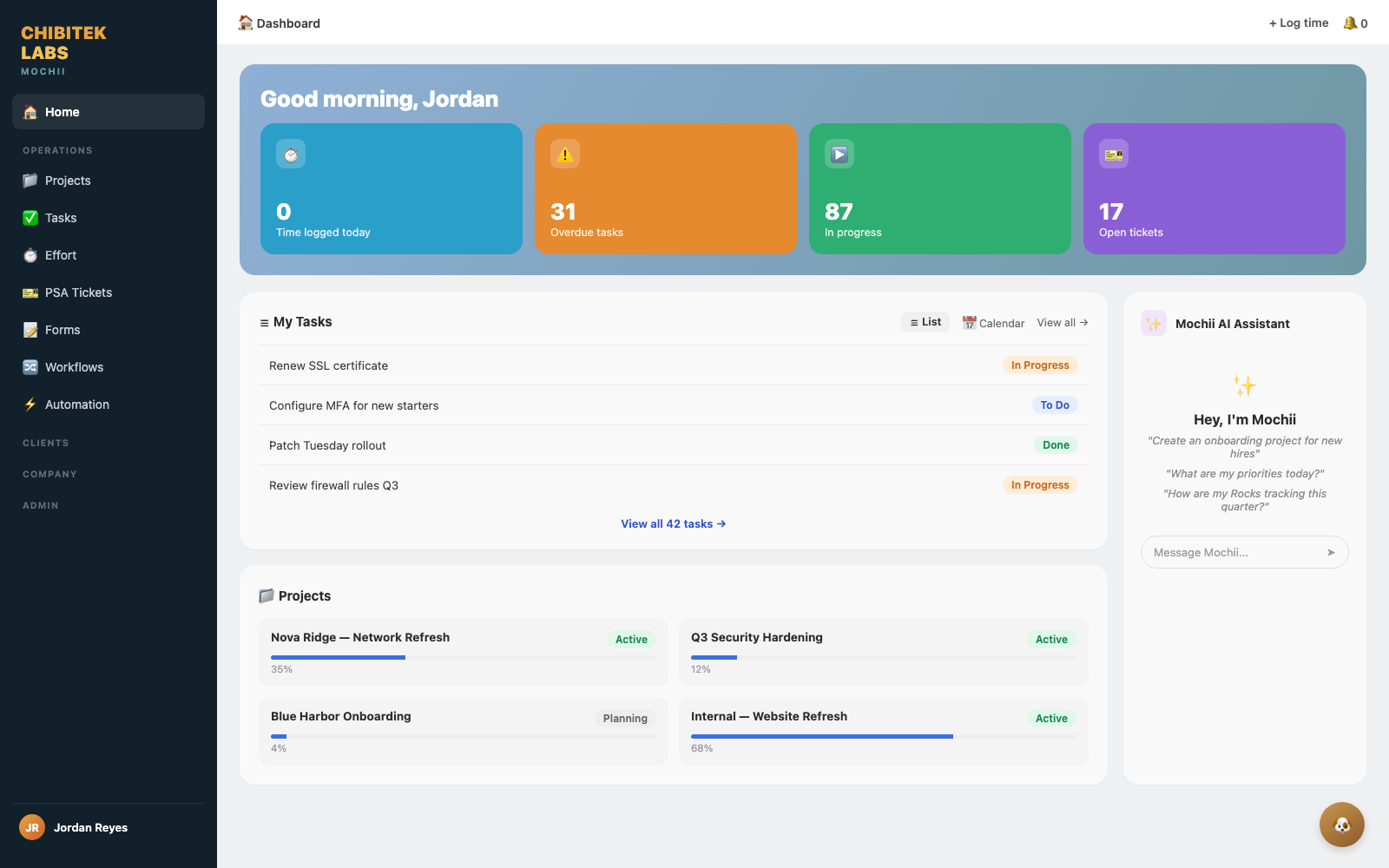
Bill answering a question about your work.
Bill is the friendly name for Mochii's AI helper. You'll find him as "Ask Bill" in the app (and you can reach him in Slack with the /ask command). When you start chatting, he'll say "Hey, I'm Bill." The name's a little tribute, too: Bill is named after Chibitek's own William "Bill" Gillett, Director of Development and Automation — fitting for a helper whose whole job is building and automating your work.
What Bill actually knows
Here's the thing that makes Bill useful: he's not a generic chatbot guessing from the internet. Bill is grounded in your organization's real data — your projects, tasks, EOS Rocks, Issues, and L10 meetings. When you ask a question, he looks at what's actually in your Mochii and answers from that.
And just as importantly — if something isn't in your Mochii, Bill tells you he doesn't see it instead of making something up. No confident nonsense. If he can't find it, he says so.
Bill knows your Mochii world, not the whole internet. Ask him "what's overdue on the Acme project?" and he's brilliant. Ask him "what's the capital of France?" and that's not his job. He's your work assistant, not a search engine.
What you can ask
Talk to Bill like you'd talk to a sharp teammate who's read every project. Great questions to start with:
- "What's overdue right now?"
- "What should I focus on today?"
- "Summarize where the Smith Dental project stands."
- "Which Rocks are off track this quarter?"
- "What Issues are still open?"
- "Who's got the most on their plate right now?"
Bill answers with specifics — real project names, real statuses — and tends to reply in tidy bullet points you can act on.
What Bill can do for you
Bill doesn't just talk — he can build. Describe what you need in plain English and he'll put it together. The big ones:
Build a whole project
Say "set up a Microsoft 365 migration for client Acme" and Bill drafts the whole thing — phases, tasks, even subtasks — using sensible best-practice structure.
Add tasks to a project
"Add the onboarding checklist to the Globex project" and Bill generates the tasks right where they belong.
Summarize a project
Get a clean catch-up on any project's status without reading every task yourself.
Take you there
Ask to go somewhere in the app and Bill points you to the right page.
When Bill is about to build something, he tells you what he's going to make and waits for your OK before creating it. Nothing appears in your projects until you say go — so it's safe to brainstorm out loud. Don't like the draft? Tweak your request and ask again.
Bill remembers — and shares what he learns
After you chat with Bill, he quietly looks back over the conversation and pulls out a few small, durable facts worth holding onto — a preference you mentioned, a decision that got made, that sort of thing. Those get saved to Chibitek's shared memory system, which works across platforms, not just Mochii. This all happens automatically in the background, so it doesn't slow down or change the answer you just got.
The upshot: something Bill picks up while helping you in Mochii can turn out to be useful later in other Chibitek tools that tap the same memory. Bill's help doesn't have to stay locked in one conversation.
Think of it less like a privacy wrinkle and more like a good assistant taking notes. Bill is still only working with your organization's own Mochii data, and the shared memory system respects the same permission boundaries as everything else — it just means the notes don't get thrown away the second the chat ends.
Turning Bill on Admin
This part is for admins. Bill needs an AI engine behind him, and your organization picks which one. In Admin settings, an admin chooses an AI provider and model — Mochii supports OpenAI, Anthropic, Google, Mistral, Groq, Perplexity, Cohere, and OpenRouter — and adds the matching key. Once that's set, Bill is live for everyone on the team.
"Provider and model" just means which AI brain Bill uses. Different teams have different preferences (and contracts), so Mochii lets each organization plug in its own. You don't need to know the difference to use Bill — that's an admin setup choice, made once.
The honest limits
So you trust Bill (and so the answers stay useful), here's what he won't do:
- He won't invent facts. No data, no answer — he'll tell you he doesn't see it.
- He only sees your Mochii data, not your email, files outside Mochii, or the open web.
- He won't change anything without asking — building a project or tasks always waits for your go-ahead.
Quick recap
- Mochii's AI assistant is named Bill — find him as "Ask Bill" in the app, or
/askin Slack. - Bill is grounded in your real data — projects, tasks, Rocks, Issues, L10s — and won't guess beyond it.
- Ask him about priorities, progress, overdue work, and summaries.
- He can build projects, add tasks, summarize, and navigate — always with your confirmation first.
- An admin turns Bill on by choosing an AI provider/model and key.
- After each chat, Bill quietly saves a few key facts to Chibitek's shared memory system — so what he learns in Mochii can help you elsewhere too.